WELCOME TO
THE ATLANTIC CURRENT
Welcome to The Atlantic Current – your go-to source for smart AV tips, behind-the-scenes insight, industry news, and inspiration. Whether you're planning your next project or just curious about the latest in AV tech, we’ve got you covered.
Stay in the know — sign up for our newsletter and catch the Current as it flows!
08/27/26
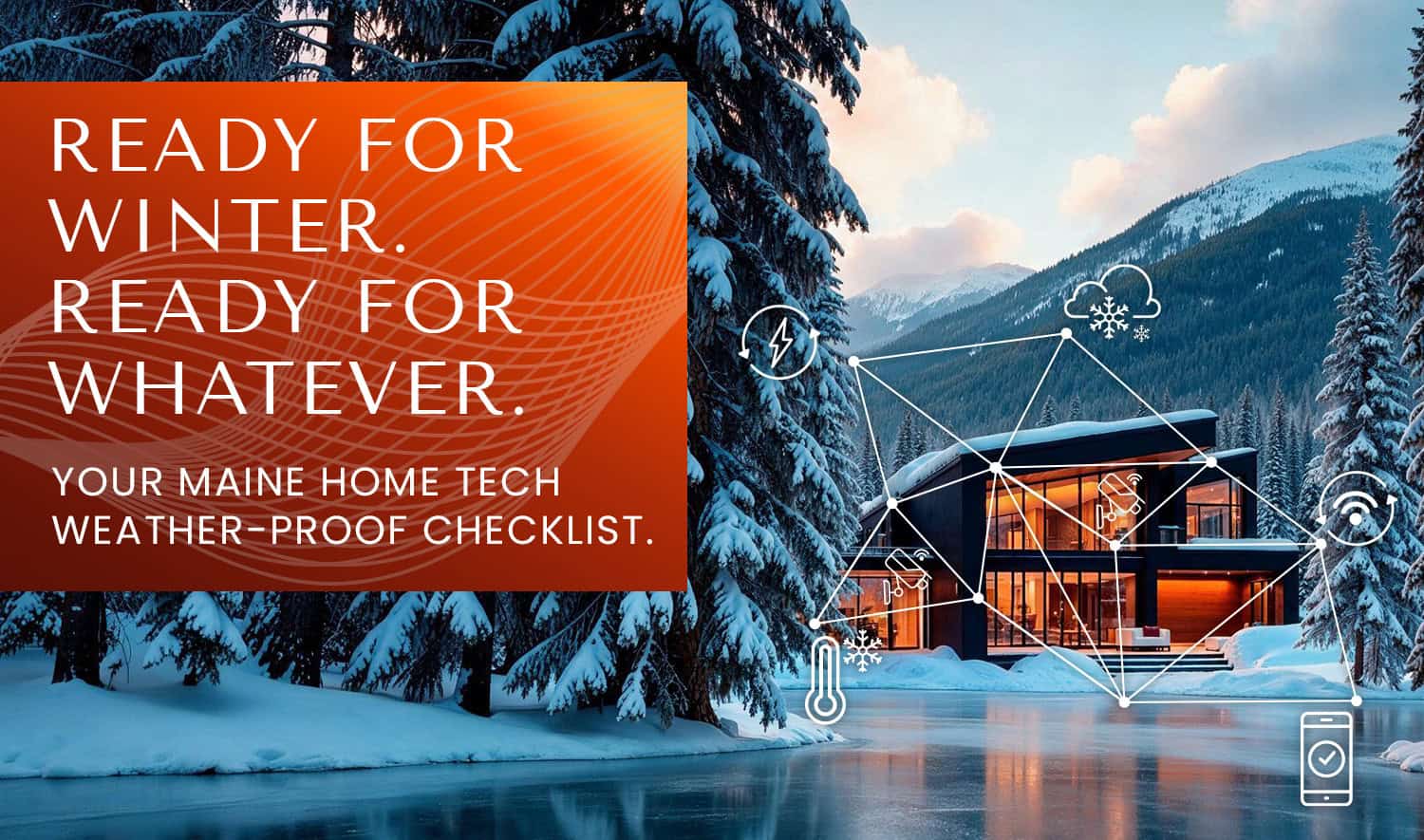
MAINERS KNOW HOW TO PREP A HOUSE FOR WINTER — STORM WINDOWS, FIREWOOD, THE WORKS.
But your smart home deserves the same attention before the temperature drops. A little prep now can save you from frozen pipes, dead batteries, and a dark house during the next nor’easter. Here’s what to check before winter really sets in.
1. TEST YOUR BACKUP POWER.
If a nor’easter knocks out the grid, your security system, cameras, and network gear are only as good as their battery backup. Most panels and routers have a backup battery that quietly degrades over time — and you won’t know it’s dead until you need it. Give everything a real test: kill the power for a few minutes and make sure your system stays online.
2. CHECK YOUR FREEZE SENSORS (OR ADD THEM).
If your system includes water and freeze sensors, this is the time of year they earn their keep. A sensor near exposed pipes, in a crawlspace, or in an unheated garage can alert you the moment temps drop low enough to risk a burst pipe — often well before you’d notice yourself. If you don’t have these yet, it’s one of the easiest additions to make before winter.

3. CLEAR THE VIEW FOR YOUR OUTDOOR CAMERAS.
Summer growth around your cameras can block the frame just as the days get shorter and you need visibility most. Walk the perimeter, trim anything encroaching, and confirm night vision is working properly — Maine winters mean a lot more hours of darkness for your cameras to cover.
4. SET YOUR THERMOSTAT SCHEDULE FOR REAL WINTER, NOT FALL.
If you’re on Alarm.com or a Control4-integrated system, now’s the time to update your heating schedule and geofencing. Small tweaks — a slightly lower setpoint when you’re away, a warm-up trigger before you get home — add up fast on a heating bill over a Maine winter.

5. CONFIRM REMOTE ACCESS ACTUALLY WORKS.
Before the first big storm, open your app from outside your home Wi-Fi and make sure you can see your cameras, adjust your thermostat, and check your security status. It sounds obvious, but this is the check people skip — and the one they wish they hadn’t when they’re watching a storm roll in from out of town.
6. BACK UP YOUR NETWORK FOR EXTENDED OUTAGES.
If your internet goes down along with the power, your smart home effectively goes dark, even with battery backup running the hardware. If you don’t already have cellular backup on your security system, it’s worth adding — it keeps monitoring active even when the storm takes out both power and internet at once.

7. WALK THROUGH YOUR STORM-MODE ROUTINE.
If you’ve got scenes set up in Control4 — “Away,” “Storm,” “Vacation” — this is a good time to walk through them and make sure they still reflect how you actually want the house to behave. A lot can change in a year: new devices, new schedules, a room that got remodeled since you last touched the settings.
THE BOTTOM LINE: YOUR SMART HOME IS BUILT TO MAKE LIFE EASIER —
BUT ONLY IF IT’S ACTUALLY READY FOR THE SEASON IT’S ABOUT TO FACE.
A quick systems check now takes a lot less time than troubleshooting a dead battery or a frozen pipe in the middle of a February storm.
Not sure where your system stands? We’re happy to run through it with you — reach out and we’ll make sure your home is ready before the first snow flies.